DIY Smart Home on a Budget: Complete Setup Guide
Build a complete smart home system for $100-500 with affordable smart lighting, switches, sensors, voice assistants, and automation — no subscription required.
 Build Coded Editorial
 Build a Smart Home Without Breaking the Bank
You do not need to spend thousands of dollars or hire a professional to automate your home. With a thoughtful approach and the right budget-friendly devices, you can build a genuinely useful smart home system for a few hundred dollars that handles lighting, climate, security, and automation.
This hub guide covers every major category of smart home technology, with specific product recommendations at each budget tier, and connects you to detailed guides for the hands-on installation work.
The Golden Rule of Smart Home Budgeting
Start with the rooms and automations that save you the most time or annoyance. A smart light in a hallway you walk through ten times a day has more impact than a smart plug in a guest bedroom. Build your system incrementally — there is no reason to buy everything at once.
Smart Lighting: The Best Place to Start
Lighting is the highest-impact, lowest-cost entry point into smart home automation. Replacing a few key light switches or bulbs immediately makes your home feel smarter.
Option 1: Smart Bulbs ($8-15 each)
Smart bulbs replace your existing bulbs and connect to your WiFi or a hub.
Budget pick: Wyze Bulb Color — full RGB color, tunable white, works with Alexa and Google Home, and costs about $8. This is genuinely hard to beat at the price.
Mid-range pick: Philips Hue White and Color A19 — the gold standard for smart bulbs, but requires the Hue Bridge hub (~$50). The ecosystem is mature, reliable, and integrates with everything.
Pro tip: Smart bulbs have one fundamental limitation: if someone turns off the physical wall switch, the bulb loses power and becomes “dumb.” Pair them with switch covers or smart switches to avoid this.
Option 2: Smart Switches ($15-30 each)
Smart switches replace your wall switches and control whatever is wired to them. They work with any bulb, including the ones you already own.
Budget pick: Treatlife Smart Switch — WiFi, no hub required, works with Alexa and Google Home. Around $15.
Best value: Lutron Caseta Starter Kit — includes the bridge, a dimmer switch, a remote, and a wall plate. Lutron uses its own wireless protocol (Clear Connect) which is more reliable than WiFi. About $80 for the starter kit.
Important: Smart switches require a neutral wire in the switch box. Most homes built after the 1980s have one, but older homes may not. Check before you buy. If you do not have a neutral wire, the Lutron Caseta line works without one.
Option 3: Smart LED Strips
For accent lighting, under-cabinet illumination, and ambiance, LED strips are unbeatable. See our detailed guide on how to build custom LED strip lighting for installation instructions.
Lighting Budget Breakdown
| Approach | Cost for 5 Rooms | Notes |
|---|---|---|
| Wyze bulbs | $40-75 | Cheapest, but switch problem |
| Treatlife switches | $75-150 | Best value for most homes |
| Lutron Caseta | $150-250 | Most reliable, works without neutral |
| LED strips (accent) | $30-80 | Great complement to any approach |
Smart Plugs and Power Monitoring
Smart plugs turn any “dumb” device into a smart one. Plug in a lamp, fan, coffee maker, or space heater, and you can control it by voice, schedule, or automation.
Budget pick: Kasa Smart Plug Mini — compact design that does not block the second outlet, energy monitoring built in, no hub required. About $10 each, often sold in multi-packs.
Practical Smart Plug Uses
- Coffee maker: Schedule it to brew before your alarm goes off (only works with machines that stay “on” when plugged in).
- Space heater: Turn off automatically at bedtime (safety first — never leave unattended).
- Christmas lights: Schedule on at sunset, off at 11 PM.
- Phone charger: Cut power after midnight to avoid overnight overcharging.
- Energy monitoring: See which appliances are drawing phantom power and costing you money.
Voice Assistants: The Control Center
A voice assistant ties everything together. Instead of opening five different apps, you just say what you want.
Which Ecosystem?
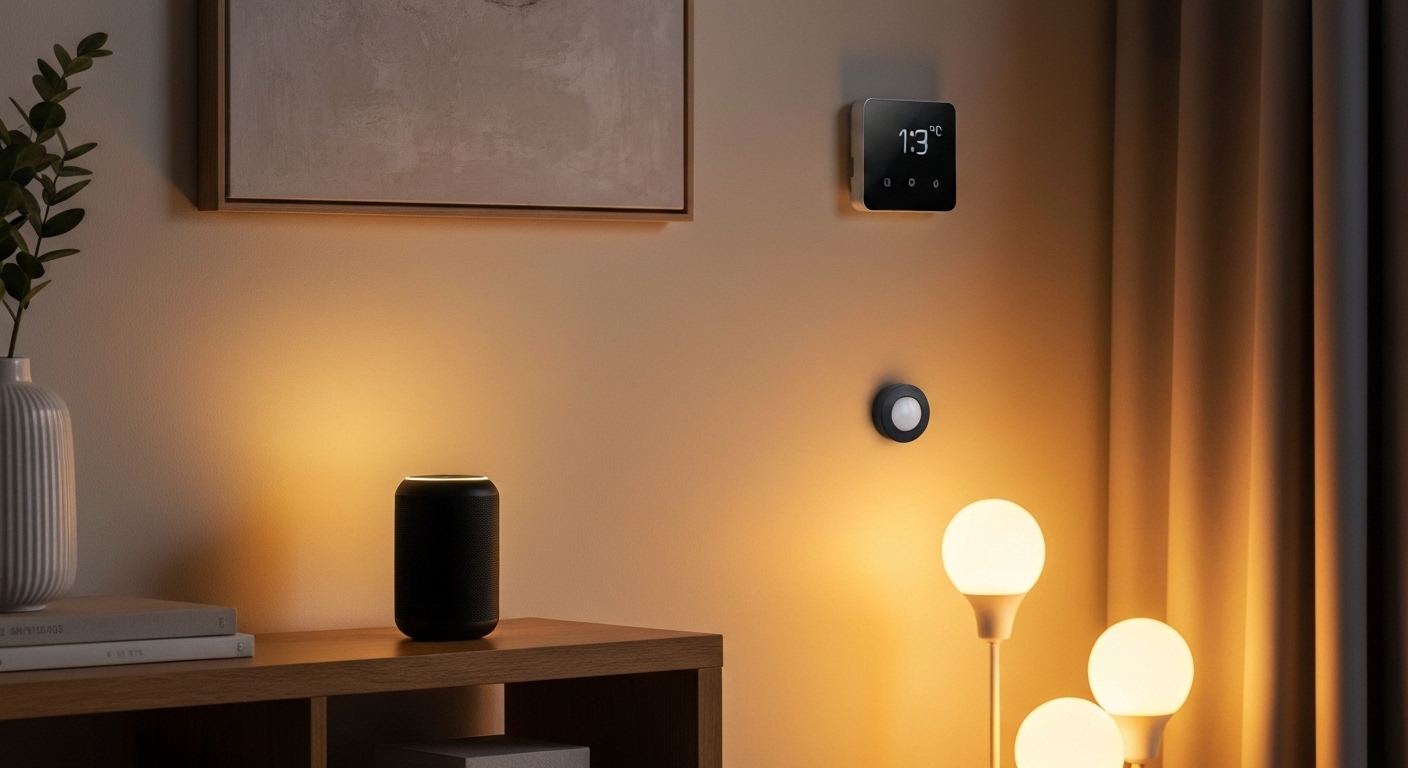
Amazon Alexa — largest device compatibility, best smart home integration, most affordable hardware. The Echo Dot (5th gen) is regularly available for $25-35.
Google Home — better at answering questions, tighter integration with Google services (Calendar, Maps, YouTube). The Nest Mini competes directly with the Echo Dot.
Apple HomeKit — most privacy-focused, best if you are already deep in the Apple ecosystem. Requires Apple devices for setup and control. The HomePod Mini is the hardware entry point.
Our recommendation: For a budget smart home, start with one Echo Dot. Alexa has the broadest device support, and the Dot frequently drops to $20 during sales. You can always add Google or Apple later — most smart devices support multiple ecosystems.
Placement Strategy
Put your first voice assistant in the room where you spend the most time (usually the kitchen or living room). Add a second one in the bedroom for morning routines and sleep automations. Two is enough for most homes.
Sensors: Making Your Home Actually Smart
Devices that react to voice commands are convenient. Devices that react automatically to what is happening — that is smart. Sensors are what enable true automation.
Motion Sensors
Automatically turn on lights when you enter a room and off when you leave. The Philips Hue Motion Sensor works with the Hue ecosystem, or the Aqara Motion Sensor works with Alexa, Google, and HomeKit (requires Aqara hub).
Door/Window Sensors
Know when doors or windows open. Useful for security, but also for automation: turn on the hallway light when the front door opens after sunset.
Temperature and Humidity Sensors
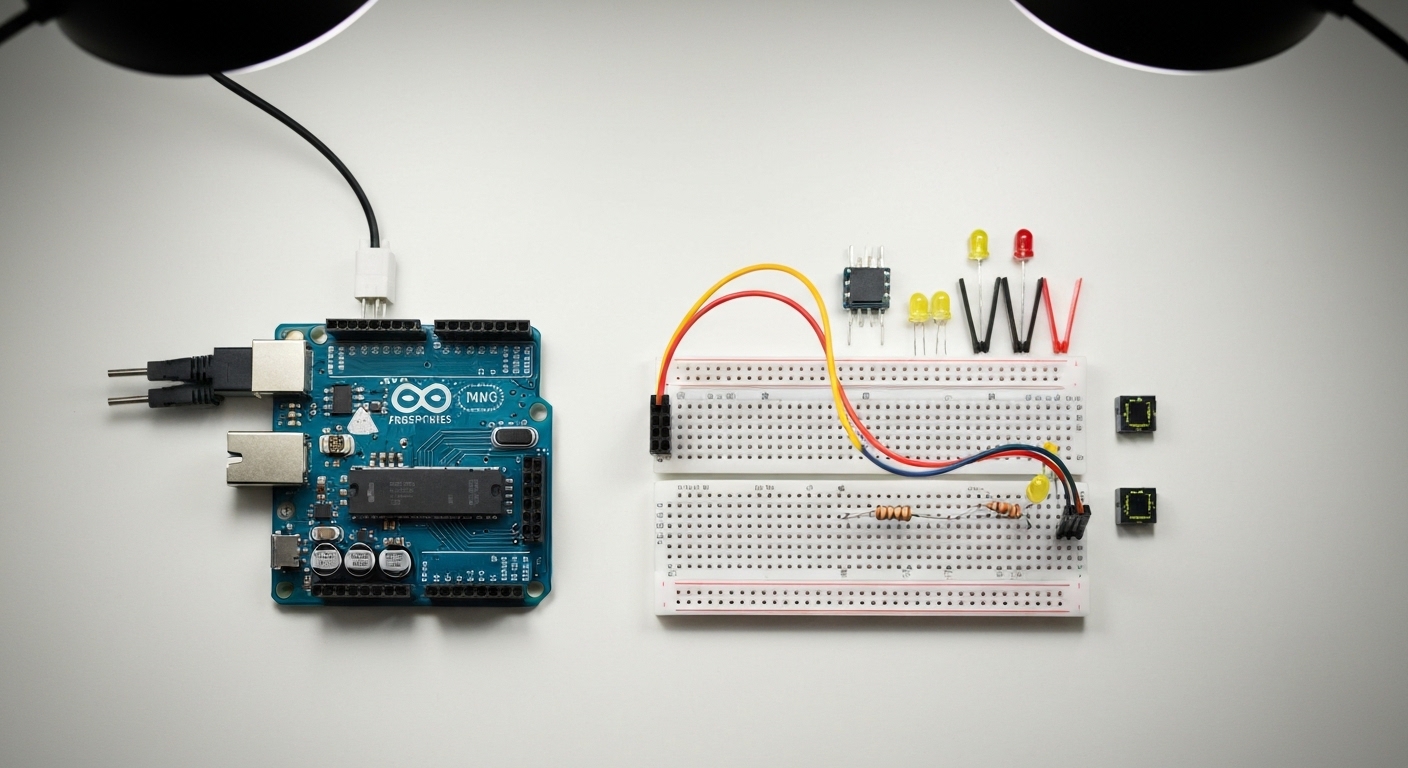
Trigger fans, heaters, or humidifiers based on actual room conditions rather than timers. For the DIY route, see our guide on Arduino projects for beginners which covers building your own temperature monitoring system.
Water Leak Sensors
Place under sinks, near water heaters, and behind washing machines. A $15 sensor can save you thousands in water damage. The Govee Water Leak Detector is a simple and affordable option.
Smart Thermostats: The Biggest Money Saver
If there is one smart home device that pays for itself, it is a smart thermostat. The EPA estimates smart thermostats save an average of 8% on heating and cooling bills.
Budget pick: Amazon Smart Thermostat — about $60. Made by Resideo (the company behind Honeywell Home), works with Alexa, and includes a simple scheduling interface.
Best overall: Ecobee Smart Thermostat — about $170. Includes a room sensor so it measures temperature where you actually are, not just where the thermostat is mounted. Built-in Alexa speaker. Works with all three ecosystems.
Important: Before buying, check your HVAC system’s wiring. Most systems with a C-wire (common wire) work with any smart thermostat. If you lack a C-wire, the Ecobee includes an adapter.
Home Automation Hubs: Tying It All Together
As your device count grows, a central hub that manages everything becomes valuable. Hubs enable cross-device automations that individual apps cannot do.
Cloud-Based Hubs
The Alexa app and Google Home app both function as basic automation hubs. You can create “Routines” that trigger multiple actions from one command or sensor event. For most budget setups, this is sufficient.
Local-Processing Hub (Advanced)
Home Assistant is a free, open-source home automation platform that runs locally on a Raspberry Pi or dedicated hardware. It supports over 2,000 integrations and processes everything locally — no cloud dependency.
Home Assistant is powerful but has a steeper learning curve. It is ideal if you value privacy, want complex automations, or have hit the limits of cloud-based routines.
Automation Ideas to Get You Started
Here are practical automations that immediately improve daily life:
Morning Routine
- Trigger: Weekday alarm time
- Actions: Gradually brighten bedroom lights to warm white, turn on kitchen lights, start coffee maker (via smart plug), read the weather forecast
Leaving Home
- Trigger: Voice command “Alexa, goodbye” or phone geofence
- Actions: Turn off all lights, set thermostat to away mode, arm security sensors, turn off smart plugs
Movie Night
- Trigger: Voice command “movie time”
- Actions: Dim living room lights to 10%, turn off hallway lights, turn on TV (via smart plug or CEC)
Bedtime
- Trigger: Voice command or scheduled time
- Actions: Turn off all lights except bedroom at low warm white, lock front door, set thermostat to sleep temperature, activate do-not-disturb on speakers
Welcome Home After Dark
- Trigger: Front door sensor opens AND time is after sunset
- Actions: Turn on hallway and kitchen lights, set thermostat to home mode
Security on a Budget
Smart Locks
The August WiFi Smart Lock installs over your existing deadbolt in minutes without replacing the exterior hardware. You keep your physical keys as backup while gaining app control, auto-lock, and guest access codes.
Cameras
The Wyze Cam v4 offers color night vision, person detection, and local storage (microSD) for about $30. No subscription required for basic features.
Privacy note: If camera privacy concerns you, consider cameras that store footage locally only (no cloud). Or skip cameras entirely and use motion sensors and smart lighting as a deterrent.
Budget Tiers: What to Buy at Each Level
Starter ($100-150)
- 1 Echo Dot — $30
- 4 Wyze Bulbs — $35
- 2 Smart Plugs — $20
- 1 Water Leak Sensor — $15
Comfortable ($200-300)
- Everything in Starter, plus:
- Smart thermostat — $60
- 2 additional smart switches — $30
- 1 motion sensor — $25
- LED strip kit — $30
Full Setup ($400-500)
- Everything in Comfortable, plus:
- Second Echo Dot — $30
- Smart lock — $130
- 2 door sensors — $30
- 1 Wyze Cam — $30
Common Mistakes to Avoid
- Buying everything at once. Start small, learn what works for your habits, then expand.
- Mixing too many ecosystems. Pick Alexa or Google as your primary and stick with it.
- Ignoring your WiFi. Dozens of smart devices can overload a cheap router. Consider a mesh WiFi system if you go beyond 15-20 devices.
- No physical fallback. Every smart device should still work manually. Smart switches still flip. Smart locks still accept keys.
- Subscription traps. Read the fine print. Some devices lock core features behind monthly subscriptions. Prioritize devices with full local functionality.
Next Steps
A smart home is a living project. Start with the rooms and routines that matter most, get those working smoothly, and expand from there. The technology keeps getting cheaper and better, so there is no penalty for building incrementally.
Explore our detailed guides for specific installations: